This free nutrition facts label generator turns the nutrient amounts for one serving into a standard FDA-format Nutrition Facts label. It rounds every value the way 21 CFR 101.9(c) requires, works out the % Daily Values from the current (2020 and later) Daily Values, and shows you which rule produced each number. When you’re done, download the label as a PNG or copy it as HTML.
It’s built for students, teachers, extension educators and small food businesses who want to see how a label is put together. It is an educational aid, not a compliance certification. The limits are explained below the tool.
Nutrition Facts Label Generator
Enter the unrounded amounts per serving from your lab report or recipe analysis. The label applies FDA rounding (21 CFR 101.9(c)) and the 2020+ Daily Values as you type.
How each value was rounded
| Nutrient | Entered | Label | %DV | Rule |
|---|
Educational aid, not a compliance certification. This tool draws the standard vertical Nutrition Facts format of 21 CFR 101.9(d) for foods for adults and children 4 years and older, using the rounding rules in 101.9(c) and the Daily Values in 101.9(c)(8)(iv) and (c)(9). It does not cover dual-column labels, tabular or linear formats, small-package or simplified formats, foods for infants or children under 4, or Supplement Facts. The type sizes approximate FDA’s Appendix B graphics. You are responsible for the accuracy of your nutrient data and your final label; check it against the current regulation or a qualified labeling professional.
The label generator needs JavaScript. The rounding rules are explained in the article below.
How to Use the Nutrition Label Generator
- Enter the serving. Type the number of servings per container, the household measure (such as “2/3 cup” or “1 bar”) and the metric weight or volume. The generator rounds servings per container the way 21 CFR 101.9(b)(8)(i) says: to the nearest whole number, or to the nearest half serving between 2 and 5, with “About” in front when it had to round.
- Enter unrounded amounts per serving. Use the numbers from your lab report or nutrient database, not numbers you have already rounded. Rounding twice is one of the most common labeling mistakes.
- Add vitamin D, calcium, iron and potassium. These four are mandatory on the current label (21 CFR 101.9(c)(8)(ii)). Leave a field blank and it is treated as zero.
- Open “Optional nutrients” if you need them. You can add polyunsaturated and monounsaturated fat, soluble and insoluble fiber, sugar alcohol, a protein quality score (PDCAAS) for protein %DV, and up to four other vitamins or minerals.
- Check the table beside the label. It lists what you entered, what the label shows, the %DV, and the rule and paragraph used. Warnings appear if, say, added sugars exceed total sugars.
- Download or copy. “Download PNG” makes a 900-pixel-wide image. “Copy HTML” copies the label with its own small stylesheet, so you can paste it into a web page or a course handout.
The generator opens with the values from FDA’s own sample label (8 servings, 2/3 cup, 230 calories), so you can compare its output with the example FDA publishes.
What the Label Must Contain
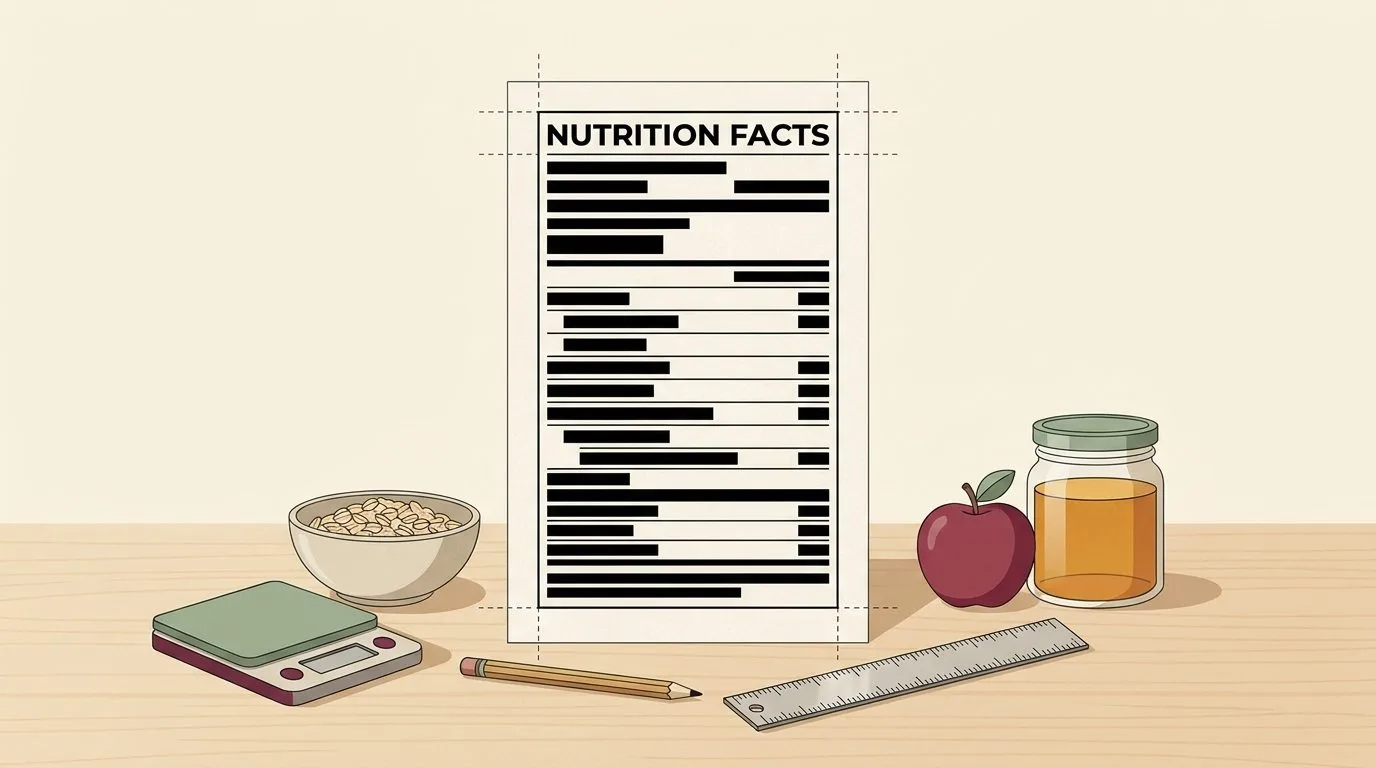
The standard vertical format is set out in 21 CFR 101.9(d). In order, from the top:
- “Nutrition Facts” as the heading, then the number of servings per container and the serving size in bold.
- “Amount per serving” and Calories, in large bold type.
- A “% Daily Value*” column heading.
- Total Fat, with Saturated Fat and Trans Fat indented beneath it; Cholesterol; Sodium; Total Carbohydrate, with Dietary Fiber, Total Sugars and “Includes Xg Added Sugars” indented; and Protein.
- Below a heavy bar: vitamin D, calcium, iron and potassium, each as an amount and a %DV.
- The footnote: “*The % Daily Value tells you how much a nutrient in a serving of food contributes to a daily diet. 2,000 calories a day is used for general nutrition advice.” That is the wording in 101.9(d)(9), which the generator uses. FDA’s sample graphics add “(DV)” after “% Daily Value”.
Only the headings, the names of the non-indented nutrients, and the %DV figures for those nutrients are bold (101.9(d)(1)(iv)). The vitamin and mineral percentages are not.
How the Generator Rounds Each Value
FDA doesn’t let you print raw lab numbers. Each nutrient has its own rounding increment, and some have a cut-off below which the amount is declared as zero or as “less than”. The main ones:
| Nutrient | Rounding rule | Paragraph |
|---|---|---|
| Calories | Under 5: may be 0. Up to and including 50: nearest 5. Above 50: nearest 10. | 101.9(c)(1) |
| Total, saturated, trans fat | Under 0.5 g: 0. Under 5 g: nearest 0.5 g. 5 g and up: nearest 1 g. | 101.9(c)(2) |
| Cholesterol | Under 2 mg: 0. 2 to 5 mg: “less than 5 mg”. Above 5 mg: nearest 5 mg. | 101.9(c)(3) |
| Sodium | Under 5 mg: 0. 5 to 140 mg: nearest 5 mg. Above 140 mg: nearest 10 mg. | 101.9(c)(4) |
| Carbohydrate, fiber, sugars, added sugars, protein | Under 0.5 g: may be 0. Under 1 g: may be “less than 1 g”. Otherwise nearest gram. | 101.9(c)(6), (c)(7) |
| Vitamins and minerals (%DV) | Nearest 2% up to 10%, nearest 5% up to 50%, nearest 10% above 50%. | 101.9(c)(8)(iii) |
For a full explanation with edge cases, and a tool that checks your own label line by line, see our FDA rounding rules checker.
Where the regulation offers a choice, the generator picks the form most labels use: “0g” below 0.5 g, “<1g” from 0.5 g to under 1 g, and “<5mg” for 2 to 5 mg of cholesterol. 21 CFR 101.9(d)(7)(i) allows the “<” symbol in place of “less than”.
How %DV is calculated
For fat, saturated fat, cholesterol, sodium, carbohydrate, fiber and added sugars, %DV is the amount divided by the Daily Value, rounded to the nearest whole percent (101.9(d)(7)(ii)). The rule lets you divide either the declared (rounded) amount or the actual amount. The generator uses the declared amount, so the label is internally consistent (8 g of fat shows 10%, not a figure based on 8.3 g). For “less than 1 g” values it uses the actual amount.
Protein %DV is optional unless you make a protein claim. If you include it, it must be based on protein corrected for quality: protein × PDCAAS, divided by 50 g (101.9(c)(7)(ii)). Enter a PDCAAS under “Optional nutrients” to show it. For the full list of Daily Values, see our percent daily value calculator.
Vitamin and mineral amounts
The regulation says vitamin and mineral amounts use the units and “levels of significance” of the RDI table. FDA’s 2019 guidance turns that into increments: vitamin D and iron to the nearest 0.1, calcium and potassium to the nearest 10 mg, and so on. The generator follows that guidance. That’s why FDA’s 2016 sample value of 235 mg potassium appears as 240 mg here. The guidance is nonbinding, but it is FDA’s stated current thinking.
What This Generator Does Not Cover
Being clear about this matters more than any feature:
- Other formats. Dual-column labels (per serving and per package, 101.9(e)), tabular and linear displays for small packages, and the simplified format are not generated.
- Other groups. Foods for infants through 12 months and children 1 through 3 years use different Daily Values and formats. Foods for pregnant or lactating women use different RDIs. Everything here is for adults and children 4 and older.
- Dietary supplements. Supplements use a Supplement Facts panel under 21 CFR 101.36, not a Nutrition Facts label.
- Your data. The generator can’t check that your nutrient values are right. FDA checks declared values against laboratory analysis using the compliance rules in 101.9(g). Our article on how Nutrition Facts are verified explains how that works.
- Exact typography. The label approximates the type sizes and rules in FDA’s graphic specifications (Appendix B to Part 101) on screen, and the PNG is a raster image. Your printer or designer should set the final artwork.
- Exemptions and claims. It doesn’t tell you whether your business is exempt from nutrition labeling, or whether a claim like “low fat” is allowed.
Frequently Asked Questions
Is this nutrition label generator really free?
Yes. There’s no sign-up, and nothing you type is sent anywhere. The calculations run in your browser.
Can I print this label on my product?
You can use it as a starting point, but you are responsible for the label. Check the values and the layout against 21 CFR 101.9, and for a commercial product consider a review by a labeling professional. The PNG is fine for a draft or a class handout. For packaging, have the artwork set to FDA’s specifications.
Where do I get the nutrient values?
From a laboratory analysis of your product, or from a nutrient database calculation of your recipe. FDA’s guide to developing and using databases for nutrition labeling explains the database approach.
Why does my label show “0g” when I entered 0.4 g?
Because the rules require it. Fat under 0.5 g must be declared as zero, and carbohydrate, sugars, fiber and protein under 0.5 g may be. The rounding table beside the label shows the rule for every line.
Does it use the old or the new Daily Values?
The current ones, from the 2016 final rule that most manufacturers had to follow from January 1, 2020 (smaller manufacturers from January 1, 2021). For example, the sodium DV is 2,300 mg and the dietary fiber DV is 28 g. Our article on how the FDA changed the Nutrition Facts label explains what changed.
Link to This Tool
Teachers, extension programs and health departments are welcome to link to this generator. A plain-text citation you can paste into a reading list or handout:
Compliance Naturally. Nutrition Facts Label Generator (FDA 21 CFR 101.9 format). https://compliancenaturally.com/nutrition-facts-label-generator/
No embed code is needed. A link to this page always points to the latest version, with any rule updates.
Sources
- 21 CFR 101.9, Nutrition labeling of food (eCFR)
- FDA: Daily Value on the Nutrition and Supplement Facts Labels
- FDA: Nutrition and Supplement Facts Labels: Questions and Answers Related to the Compliance Date, Added Sugars, and Declaration of Quantitative Amounts of Vitamins and Minerals (guidance, revised December 2019)
- FDA: Industry Resources on the Changes to the Nutrition Facts Label